
Recipes set your costs, sales update your stock.
Enter ingredients and recipes once. Product costs come from the recipe, and stock goes down on its own every time a bill closes.
- Automatic costs from recipes
- Stock deducted on every sale
- Purchases, waste and counts
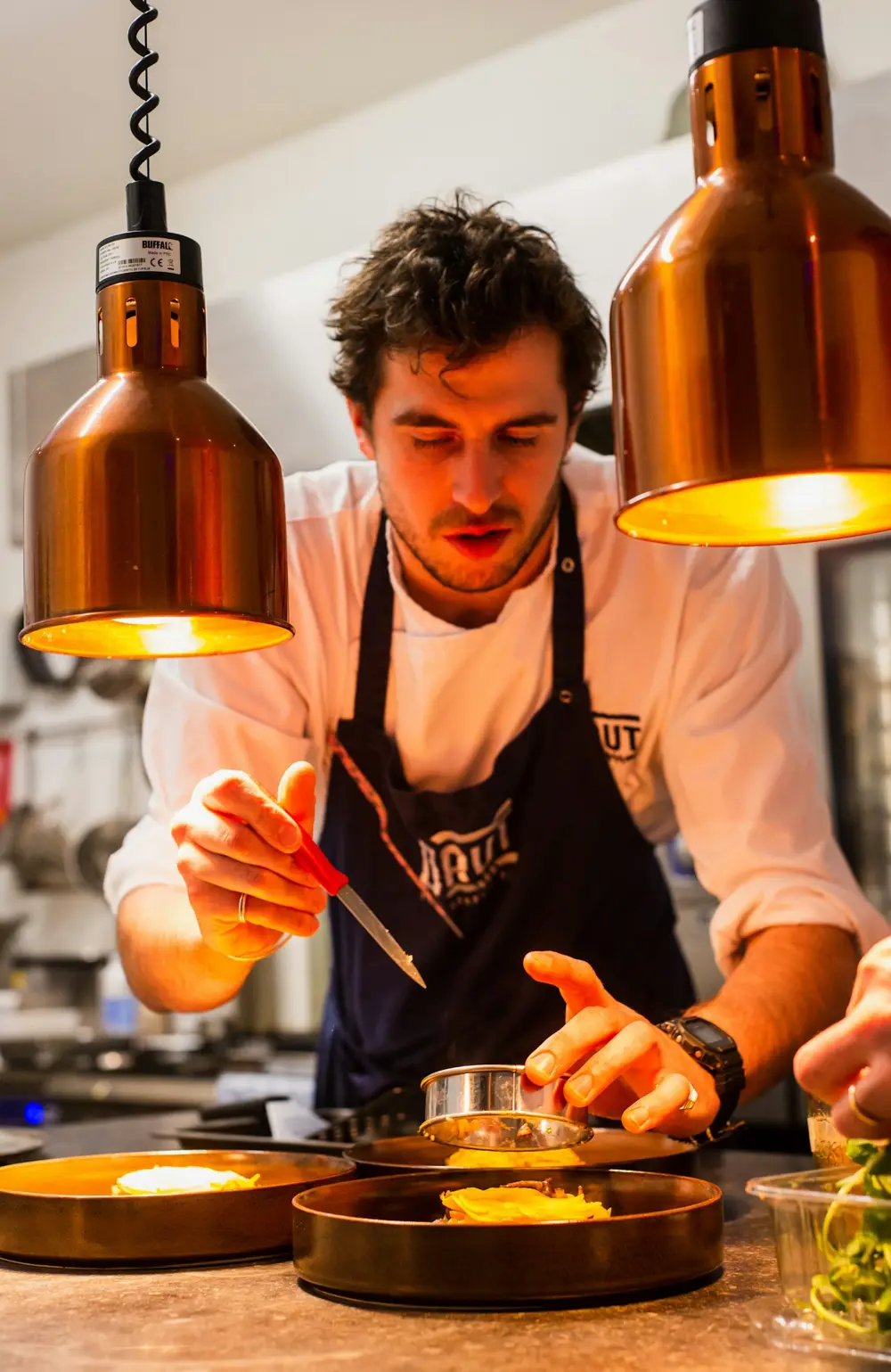
Base your margins on recipes, not guesses
Stock, recipes and costing are included in Premium, and you switch the module on from your dashboard. Enter ingredients with their stock unit and cost before tax, and dishes with their recipes; each dish’s cost then comes from its recipe and updates when ingredient costs change.
Every time a bill closes, the recipes of the dishes sold are deducted from stock. Complimentary items are deducted too but don’t count toward revenue. If a bill is reopened or cancelled, the deducted amounts are added back exactly. Menu analytics, table performance and your reports all use the same cost data.
When something runs low, the stock movements log shows purchases, sales deductions, waste and count variances with dates. The profitability report shows top earners and loss makers by category, and the end-of-day report gives managers the day’s estimated cost and gross profit.
Stock and recipes in four steps
- 01Enter ingredientsAdd ingredients with their stock unit, cost and supplier, or import the list from CSV or Excel. Define prep items such as sauces and doughs with their own recipes.
- 02Link recipesIn the Recipe tab of the product window, add ingredients and quantities. Waste percentage and unit conversion (g/kg, ml/l, pieces) are taken into account.
- 03Record purchasesLog incoming goods as purchases. Costs update by weighted average or last purchase price, and a rise of more than 10% shows a warning with the affected dishes.
- 04Check the reportsPeriod reports cover profitability, consumption, stock value, waste and count variances, and you can download them as CSV.
What you can do
All of it runs live on Menuvola today; which plan includes it is below.
- Cost cardRecipe cost line by line, selling price, margin amount and percentage, and cost per extra person. Your tax setting applies the same way everywhere.
- Stock deducted on saleWhen a bill closes, the recipes of the dishes sold come out of stock; delivery orders are deducted on delivery. A reopened or cancelled bill reverses the deduction.
- Order listLists the gap between target and current stock by supplier, rounded to the purchase unit. Send it as a WhatsApp message or print it.
- Waste and countsLog waste with a reason such as spoilage, spillage or returns. In a stock count you see the difference between recorded and counted stock and its value; approve it and stock is corrected.
- Low-stock alertsIngredients below their critical level show on the Overview, with optional alerts to cashier devices and automatic sold-out when stock hits zero.
- Costs for managers onlyOnly dashboard users see costs and margins. Kitchen and cashier staff can log waste or counts from the terminal without seeing costs or recorded quantities (a blind count).
- Dishes update when costs changeWhen an ingredient’s cost changes, every dish using it is recalculated and you see how many margins were affected. Choose weighted average or last purchase price.
Barcode stock entry
Scan deliveries and counts instead of picking items one by one: the product is recognized and stock goes in by pack size.
- Scanner or phone cameraA USB or Bluetooth scanner works like a keyboard on the purchase and count screens. No scanner? Use your phone or tablet camera; the image is decoded on your device and never sent anywhere.
- Product details, ready to useBarcodes are looked up in your records, the Menuvola shared catalog, then Open Food Facts. You check the name, brand and pack size before linking. Prices and costs are never shared.
- Pack sizeA barcode stands for one pack: 1 litre of milk enters as 1 litre, a 12-pack as 12 pieces. Link several brands’ barcodes to one stock item.
- Labels for items without barcodesFor loose cheese or house-made sauce, Menuvola generates an internal barcode to print on a 40 × 30 mm label or an A4 label sheet.
- Scale barcodesScan the scale barcode on butcher or deli labels and its weight goes into stock. Set the barcode format in stock settings.
- Scan, scan, countEach scan adds one pack. At the end, you see the difference from recorded stock and its value; approve it and stock is corrected.
Barcode entry comes with the stock module and starts switched on; turn it off in stock settings to go back to barcode-free screens. Allergen and calorie data from Open Food Facts is saved as a note on the stock item and suggested in recipes, but never changes a dish on your menu automatically. Product data comes from the Menuvola shared catalog and Open Food Facts (ODbL license).
Stock and recipes by plan
Stock, recipes and costing are included in Premium. The module is off by default and you turn it on from your dashboard. On other plans you can enter product costs by hand to see margins in menu analytics.
- DigitalNot in this plan
- ProfessionalNot in this plan
- PremiumIncluded
Ingredients, recipes, purchases, waste, counts and profitability reports.
No automatic renewal, no commission on sales. See pricing
Questions you may have.
When is stock deducted?
When the bill closes. Open, unapproved or cancelled items aren’t deducted, a reopened bill is added back, and delivery orders are deducted on delivery.
What about dishes without a recipe?
They are not deducted from stock and keep using the cost you entered by hand. The Overview shows how many dishes still have no recipe.
Can stock go negative?
Yes. A sale is never blocked because of stock; an ingredient below zero is flagged instead. You correct it with a count or a purchase.
Do I need a barcode scanner?
No. A phone or tablet camera works, and camera permission is only requested when you tap “Scan with camera”. For high volumes, a USB or Bluetooth scanner is faster and needs no setup.
Can I export to my accounting software?
You can download reports as CSV. Menuvola does not integrate with accounting or e-invoicing software and does not issue fiscal documents.
Works well together
- Menu analyticsSee which dishes guests look at and which ones sell, without collecting personal data, plus menu engineering and practical suggestions.See details
- Kitchen displayOrders from waiters and from the table land on kitchen and bar screens; when they’re ready, the waiter is notified.See details
- Staff managementPIN sign-in, shifts and breaks, table assignment and handover, service zones, performance and informational commission.See details
See it in a live demo.
Message us on WhatsApp; we’ll show you Menuvola live at a time that suits you and help you pick the right plan.